
In this article I will discuss the various ways we have started to distribute Dynamo knowledge throughout GS Arch. We are using three different approaches to help people get to grips with this new tool. These three approaches are classes, homework assignments and focused presentations explaining a single workflow.
To begin with I will discuss the classes that I delivered to the four cohorts of students from four of our offices. These classes were not mandatory and only colleagues wishing to learn this tool attended.
In the classes I used a mixture of building scripts together live and other parts were listen and learn. I created five separate PowerPoint files to introduce the key facets of using Dynamo.
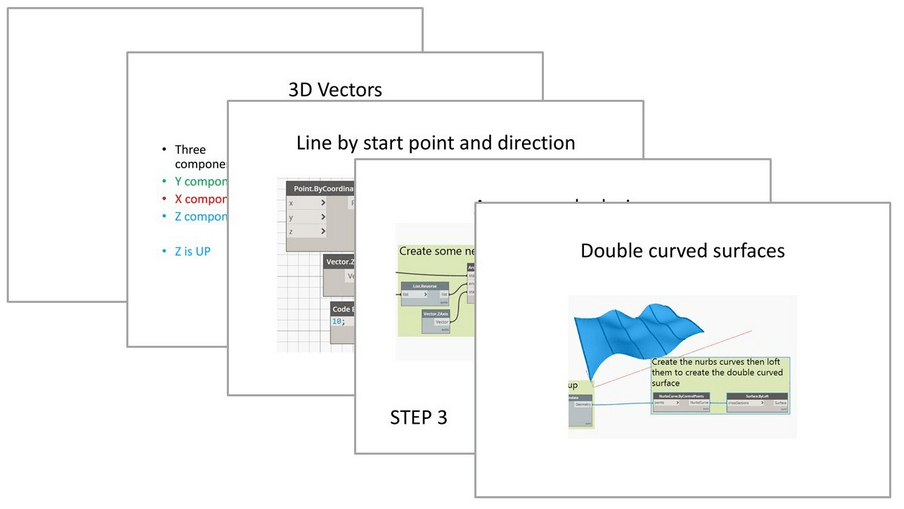
Class 01. In the first class I described what Dynamo is, how it is opened and it’s user interface. I also discussed what an algorithm is and how creating a step by step process is the underlying logic of Dynamo.

Class 02. In the second class I introduced the key concepts from geometry needed to build and create inside Dynamo.
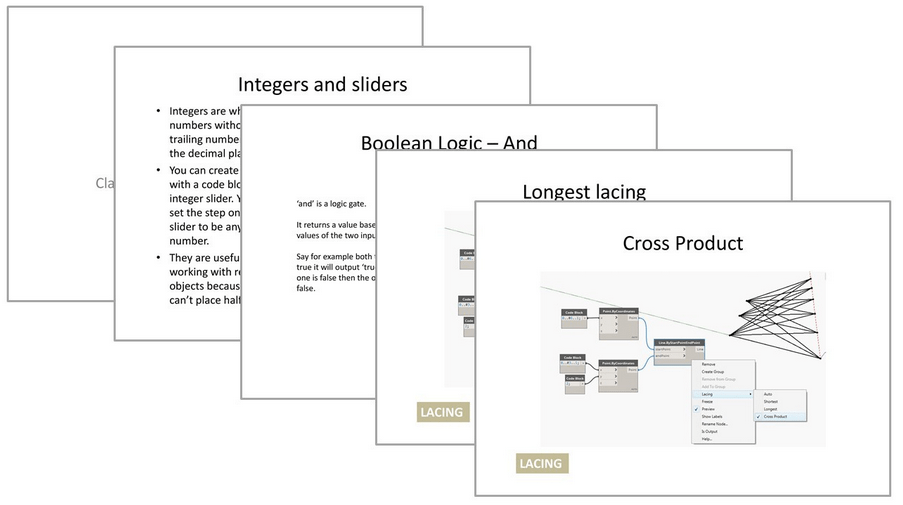
Class 03. In this class I looked at lists and data types. These are building block concepts of learning any programming language. When working in Dynamo you are most often working with a list of elements. Rather the manual alternative where you work with one thing at time. Thus to use Dynamo well you need to understand how to manipulate lists.
Class 04. In this class I looked at ways in which you can work with Revit objects and create Revit objects.

Class 05. Code blocks and Python. Visual programming is great and easier to get started with than textual programming. However sometimes it is necessary to expand its scope by writing a bit of Python or Designscript. The final class was dedicated to teaching the basics of this in order to give the students the skills to amend and use Python scripts they find online.

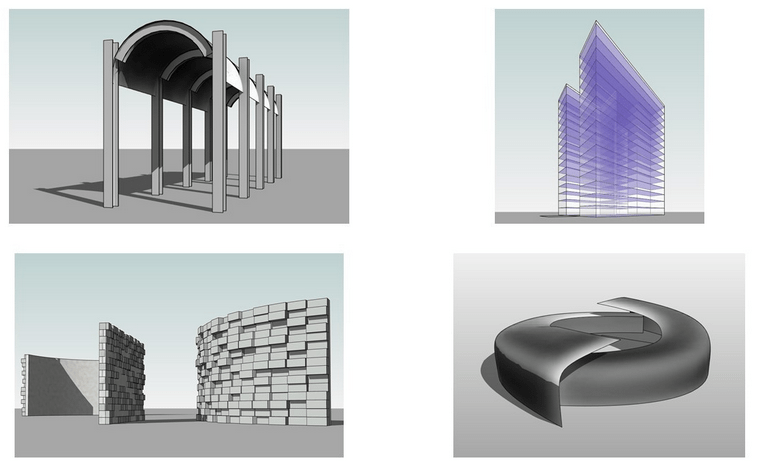
Homework Assignments – I created 20 homework assignments that students could complete at their own pace. The images below are the homework assignments that involved creating geometry. Other homework assignments involved data management and automating tasks. The majority of the homework assignments were based on real world scripts I developed during my day to day working.
Learning a complicated software like Dynamo is a difficult thing for busy professionals to do but I personally feel it is worth the effort because of the impact it can have. I have tried to show my students that this can be a design tool as well as a tool to save time on repetitive tasks.
Moving forward as a practice we will be concentrating on training people to use robust scripts that automate specific common tasks and encouraging people to use Dynamo as much as possible. It would be great to see a real project that has been created using this tool.
#Dynamo #DynamoBIM #Revit #RevitArchitecture #Teaching
 SJM Studio Leeds